Inside ELEMNT v0.0.1: import, tile, serve
ELEMNT is generally available. This is a walkthrough of everything in the first release: what each function does, what it looks like, and where your data comes out the other side.
ELEMNT is a cloud-native geospatial data platform, and v0.0.1 is live. You can sign up, import a dataset, generate tiles, and point a MapLibre client at a standard API in one sitting. It is free during early access.
This post walks through the release function by function, with the real product on screen. No mockups; every screenshot below is the live app.
Sign in, make a project
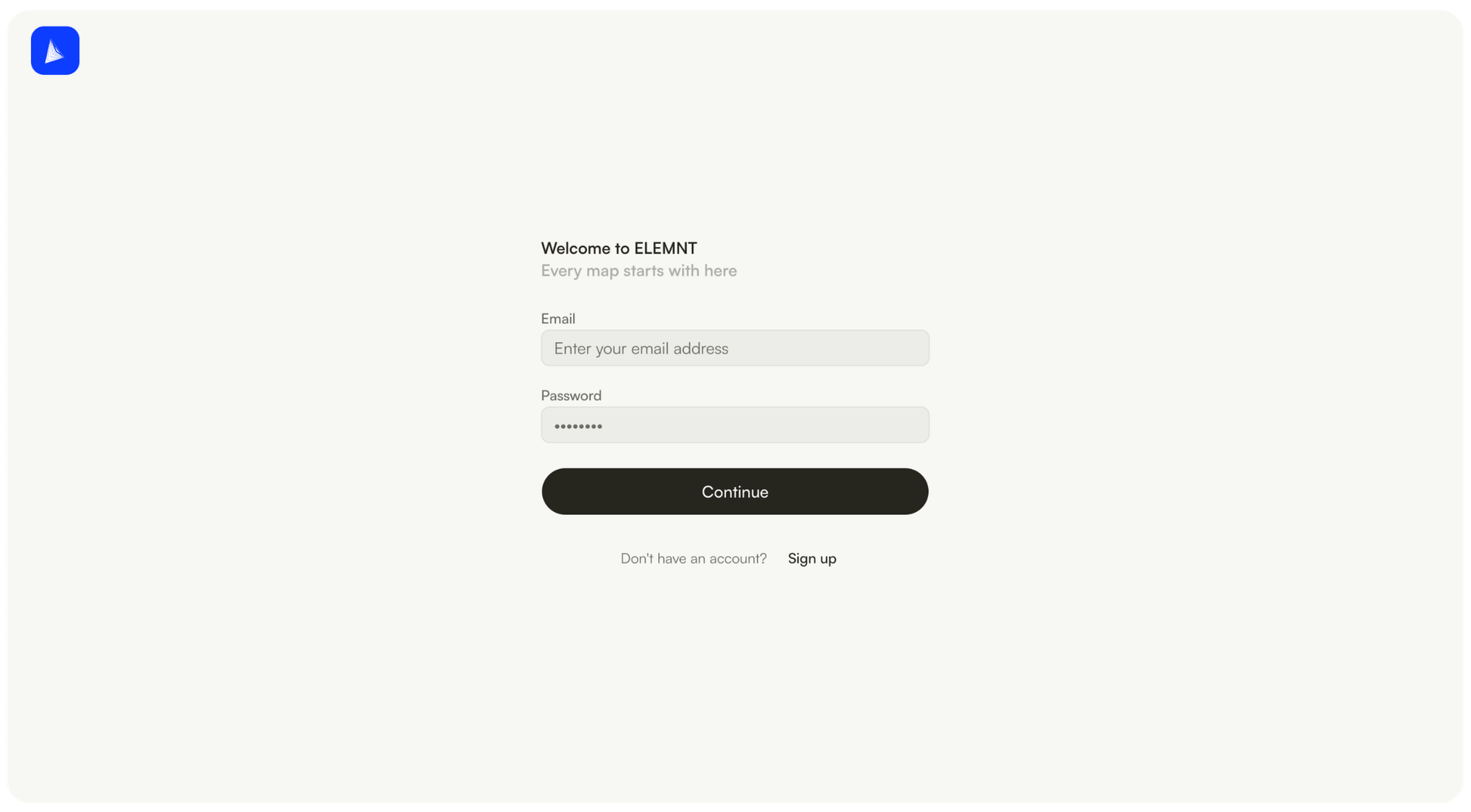
Signup is self-serve. Accounts live inside organizations, organizations hold teams and invitations, and teams hold projects. That sounds unremarkable until you have three departments sharing one geodata pile with no boundaries; the boring hierarchy is what keeps a shared platform from becoming a shared mess.
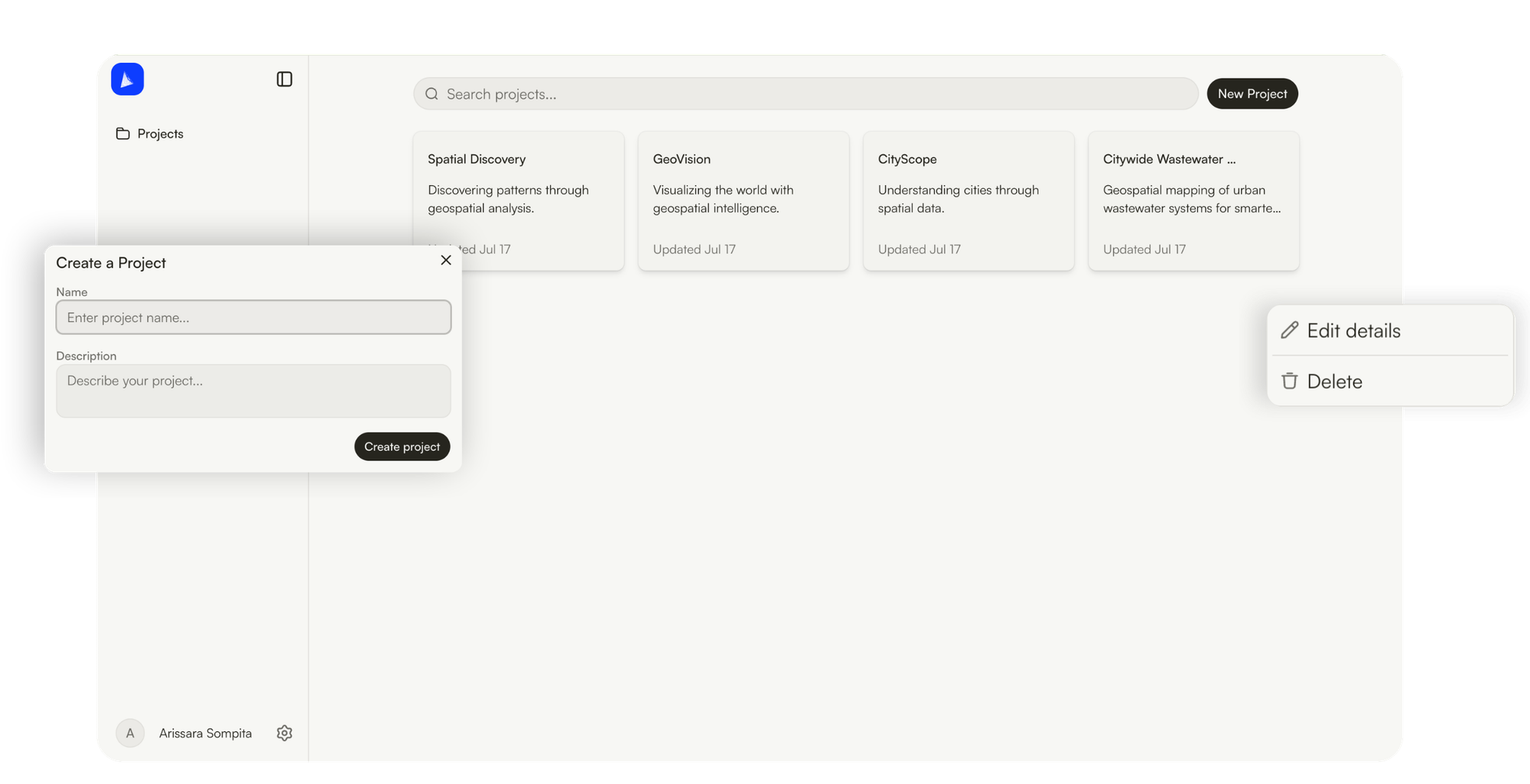
A project is the working unit: it holds your collections, your map views, and the credentials scoped to them.
Import: pick a file, watch the job
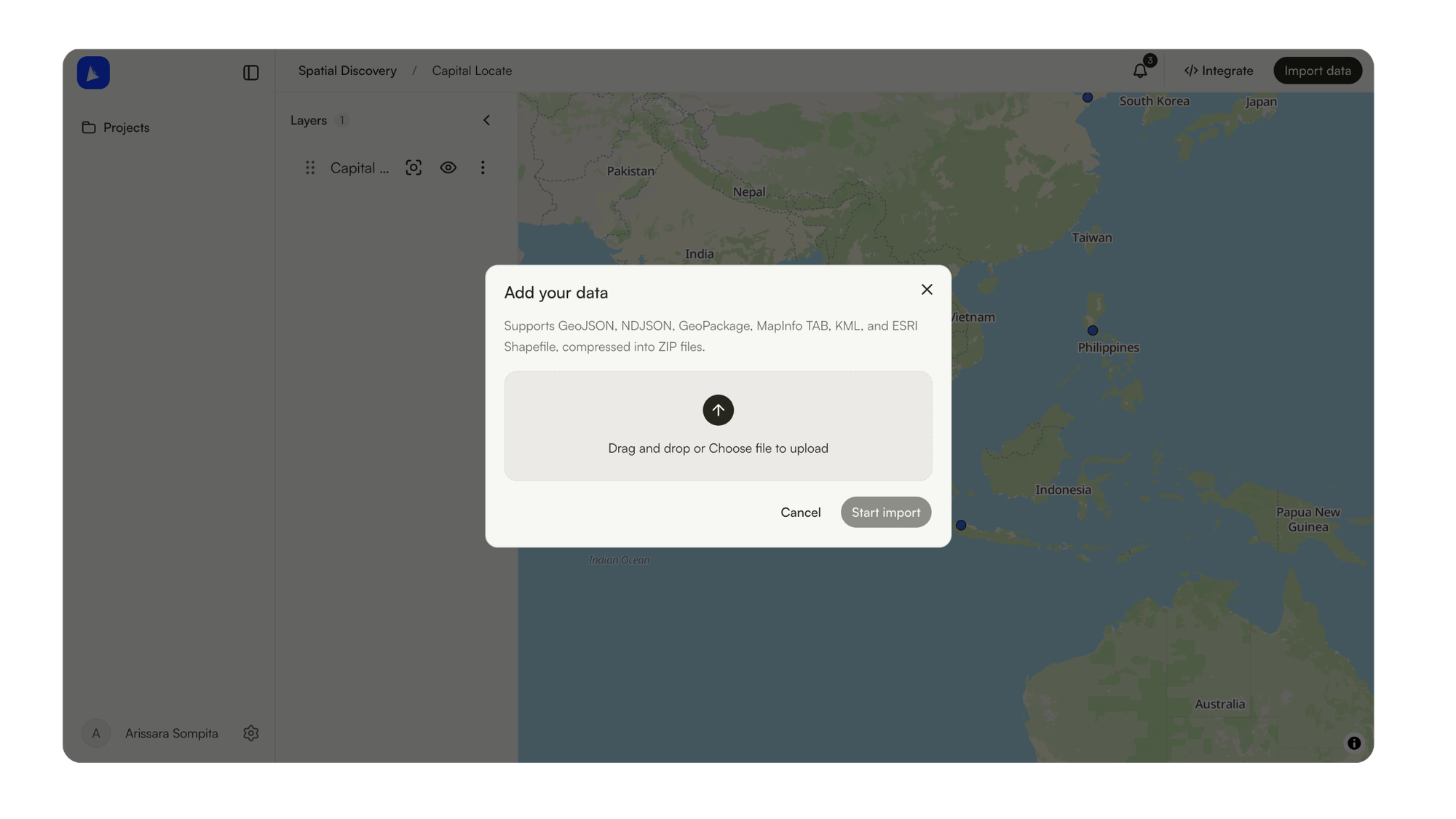
The web importer takes GeoJSON, NDJSON, GeoPackage, MapInfo TAB, KML, and ESRI Shapefile, zipped. Drop the file, start the import, and keep working; the layer shows its state in the panel while the job runs.
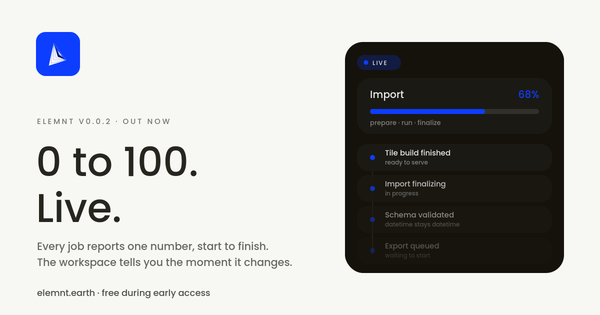
The part worth pausing on is what happens next. An import is not a spinner that ends in either a checkmark or a mystery. It runs as a tracked job with a visible timeline: queued, prepared, running, post-processing, done, with per-step log lines you can actually read.
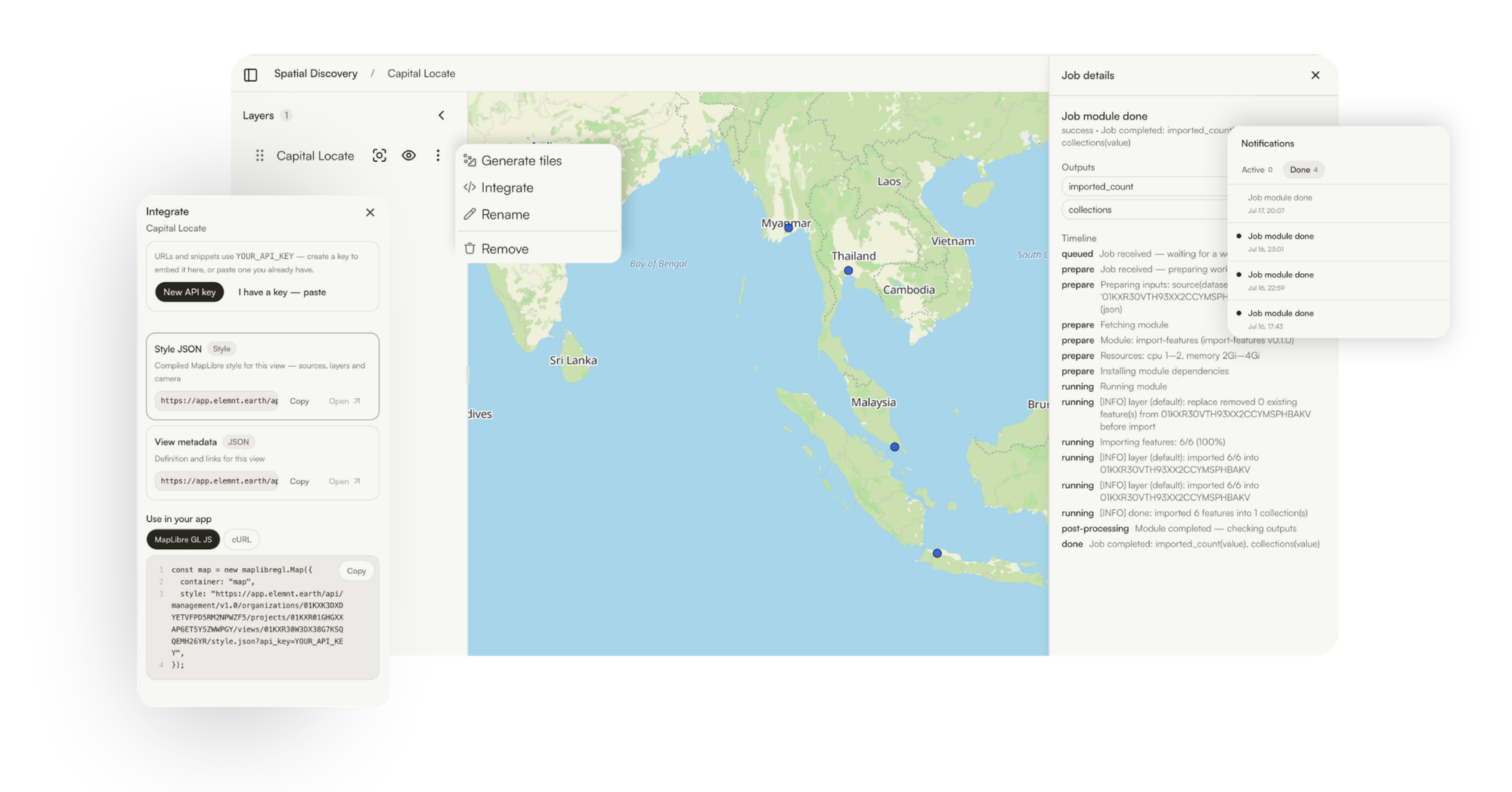
In the run above, a 10,000-feature dataset lands feature by feature, and the job reports 10,000 of 10,000 imported into the target collection. When something goes wrong with a real dataset someday (it always does), this timeline is the difference between diagnosing and guessing.
Collections keep schemas honest
Imported data lands in collections: schema-managed containers you can organize into folder hierarchies and group collections. The schema is visible and editable, so "what fields does this layer actually have" is a lookup, not an archaeology project.
The map is the workspace
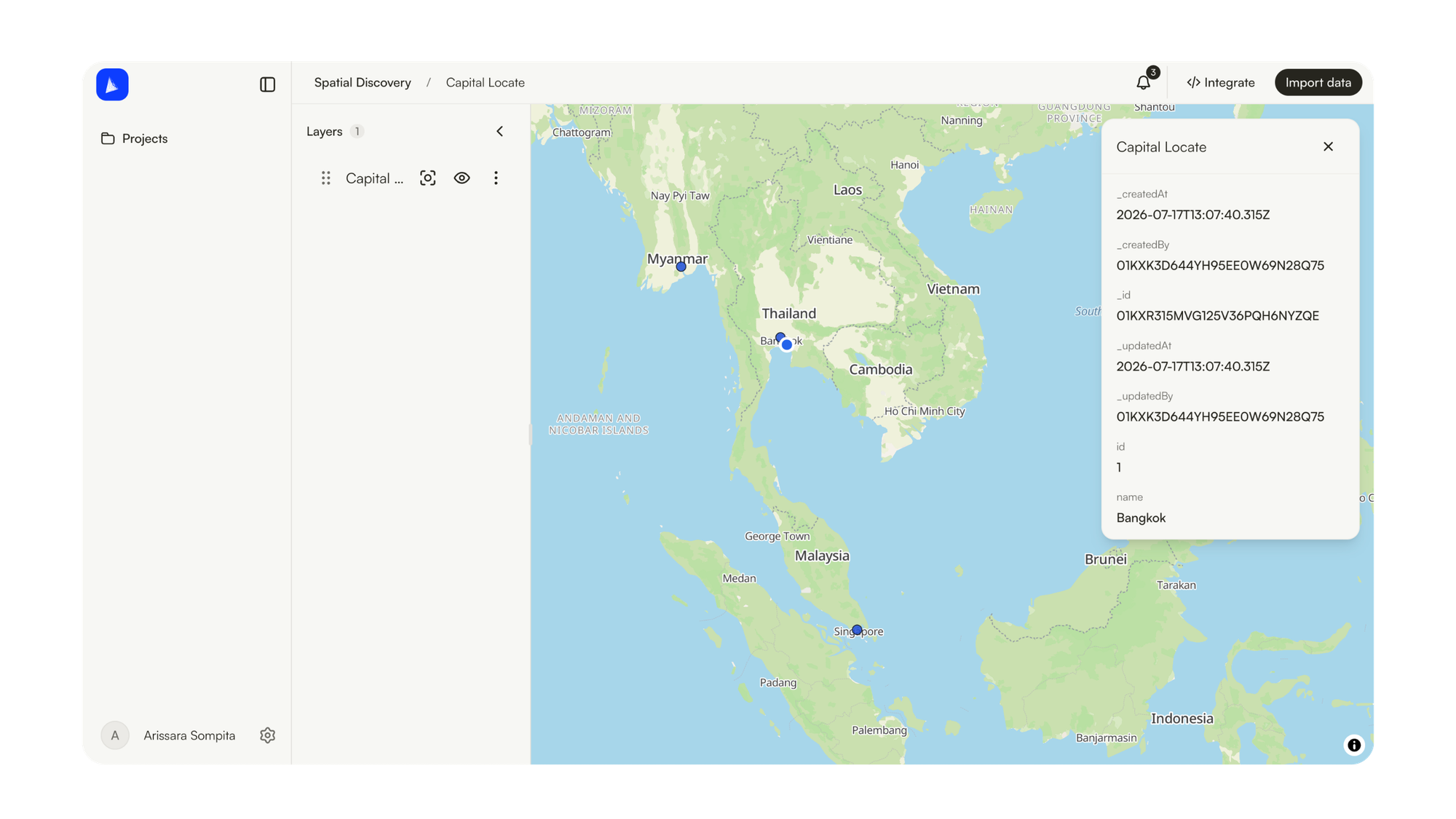
Every project opens onto a map. Layers list on the left with visibility toggles, zoom-to-extent, and per-layer actions. Click any feature and its full attribute set opens on the right, straight from the data: No export-to-inspect loop. The data you imported is the data you see.
Generate tiles: one action to PMTiles
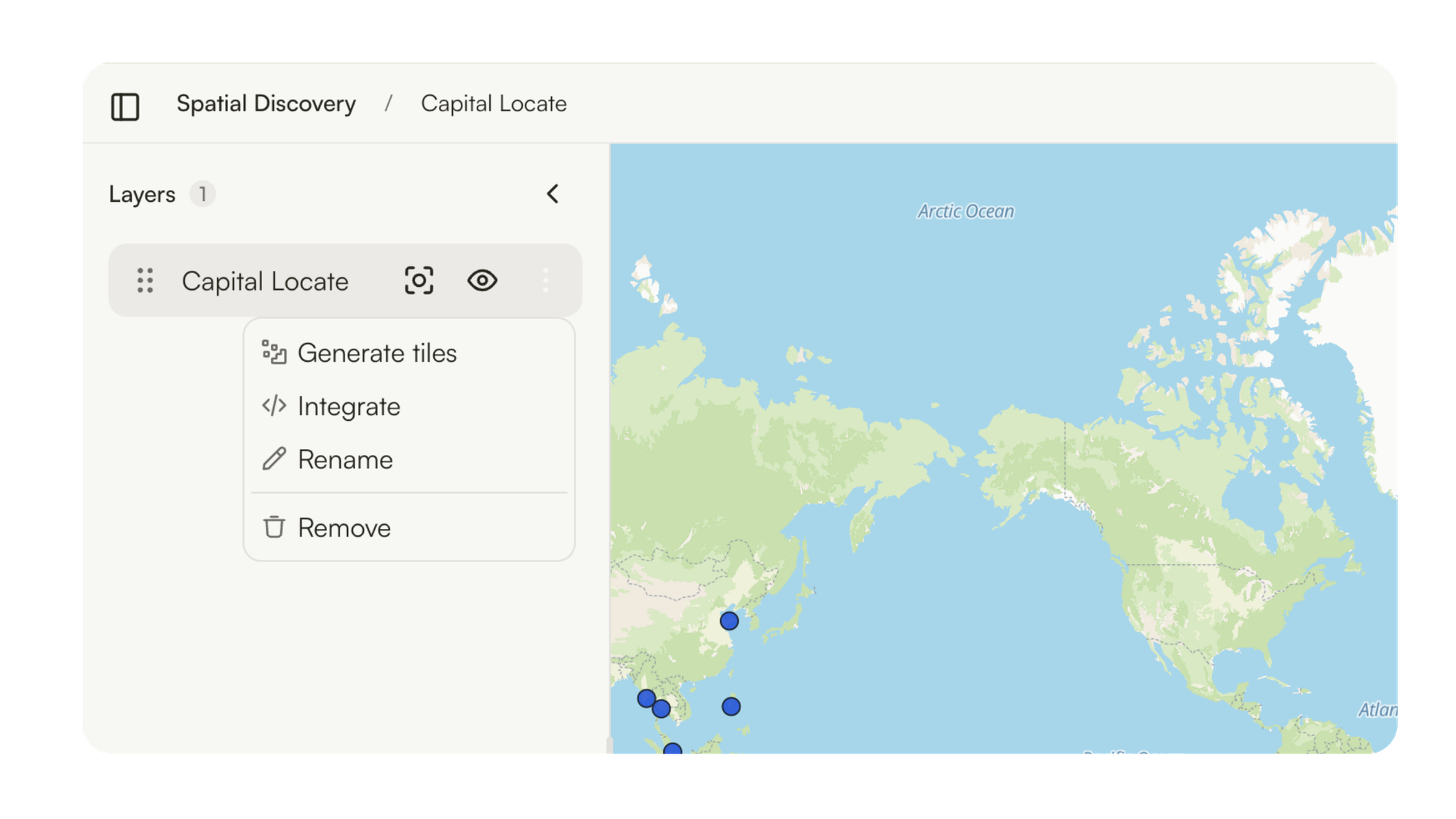
When a dataset is ready to serve at scale, one action on the layer generates PMTiles: a single-file tile archive that a client reads with plain HTTP range requests. No tile server to babysit, nothing to pre-warm, and the archive is a file you can move anywhere. Tile generation runs through the same tracked job pipeline as imports.
Serve it: standard APIs, ready-made snippets
This is the release's center of gravity. Every collection and every map view carries an Integrate panel, and everything in it speaks standards:
- Feature API. OGC API Features (Part 1) with GeoJSON output: query, filter, and paginate features over HTTP.
- Collection metadata. Schema, extent, and links as JSON.
- TileJSON. Vector tile metadata with the tile template, bounds, and zoom range.
- Style JSON. A compiled MapLibre style per view: sources, layers, and camera in one URL.
The panel writes the client code for you: MapLibre GL JS, Leaflet, OpenLayers, or cURL, with your API key created (or pasted) right there. Wiring a collection into an app is a copy and a paste:
map.addSource("stations", {
  type: "geojson",
  data: "https://app.elemnt.earth/api/features/v1.0/organizations/ORG/projects/PROJECT/collections/COLLECTION/items?api_key=YOUR_API_KEY"
});
And a whole styled view is one URL:
const map = new maplibregl.Map({
  container: "map",
  style: "https://app.elemnt.earth/api/management/v1.0/organizations/ORG/projects/PROJECT/views/VIEW/style.json?api_key=YOUR_API_KEY",
});
If your client already speaks MapLibre or OGC API Features, it already speaks ELEMNT. That is the point.
Take it back out
Export mirrors import, in open formats: GeoPackage, GeoJSON, NDJSON, Shapefile, FlatGeobuf, GeoParquet. Anything you put in, you can take out, in a format the rest of your stack reads. A data platform you cannot leave is a trap with good UX; portability is a feature, not a courtesy.
Keys and service accounts
Credentials are first-class: API keys for clients and service accounts for machine access, created inline exactly where you need them (the Integrate panel included), scoped to what they serve.
What v0.0.1 does not do (yet)
Honesty section. Data versioning (branch, diff, merge) and real-time collaborative editing are on the roadmap, not in this release. There is no navigation SDK and no Street View, by design: ELEMNT is the data layer under your maps, not a consumer maps clone.
Releases from here are steady and steered by what early-access users actually do with the product. Free early access is exactly that: every function above, free, while we learn what to build next from real usage.
Try it
Create a free account at app.elemnt.earth, drop in a GeoPackage or a zipped Shapefile, generate tiles, and open the Integrate panel. Ten minutes, start to served.